
Coach view


AvailabilityCaution
Overall riskMedium
ConfidenceMedium
Data completenessShown as a percentage
Written for the person picking the squad. Who trains today, who gets a second look.
A joint-level movement record from the video you already film.


Phone or broadcast video, MP4 up to 2 GB. Start Analysis sits at the top of the dashboard. No markers, no lab.


One to ten people detected per clip. You confirm identities on a frame scrubber and assign each one to your roster, caseload or cohort.


Asynchronous, in the cloud, after upload. Joint-level kinematics for every stride, about two minutes from clip to report. Poor resolution or occlusion returns Not scored, never a guess.


Advisory findings and a recommended action, next to the video evidence. Your coach, clinician or safety lead decides the intervention.


Written for the person picking the squad. Who trains today, who gets a second look.


Written for the person reading the mechanics. Reference ranges are internal and labelled advisory.
The limits are the argument, not the small print.
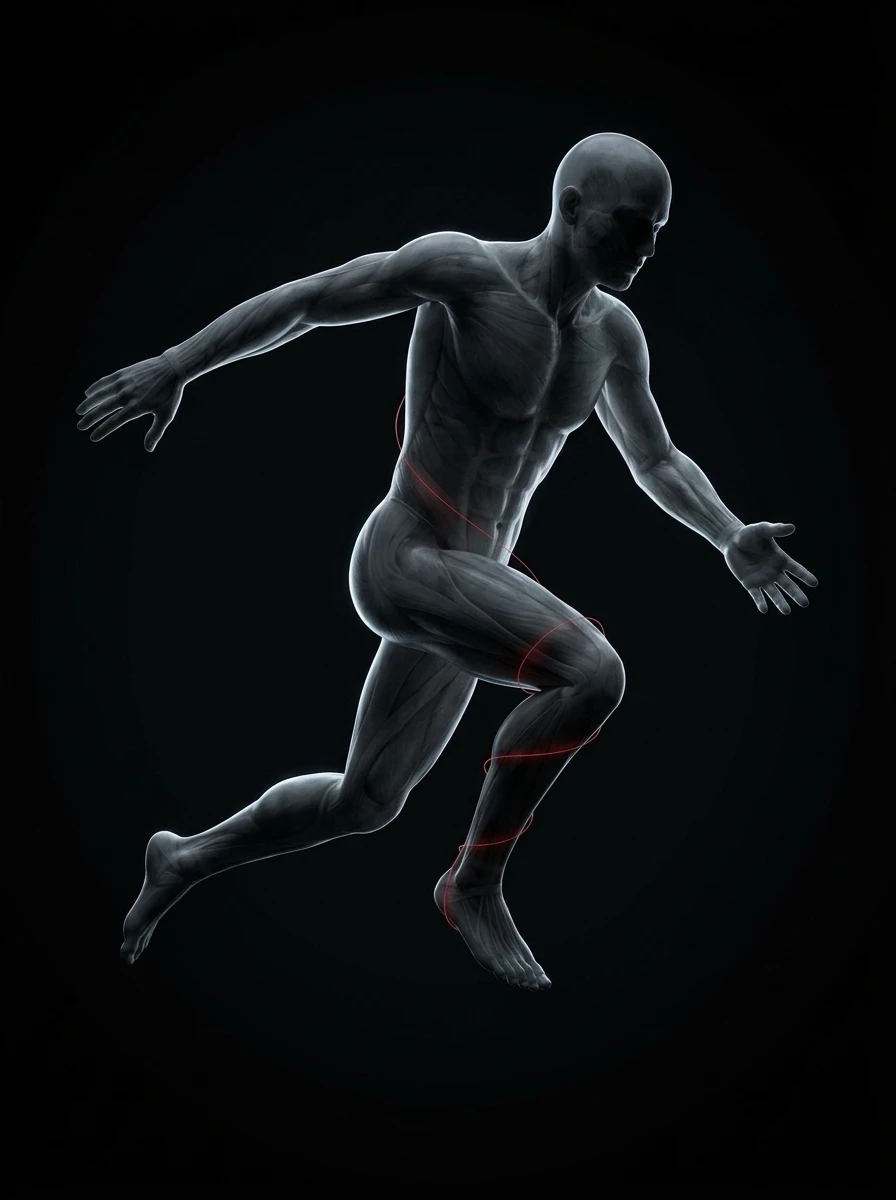
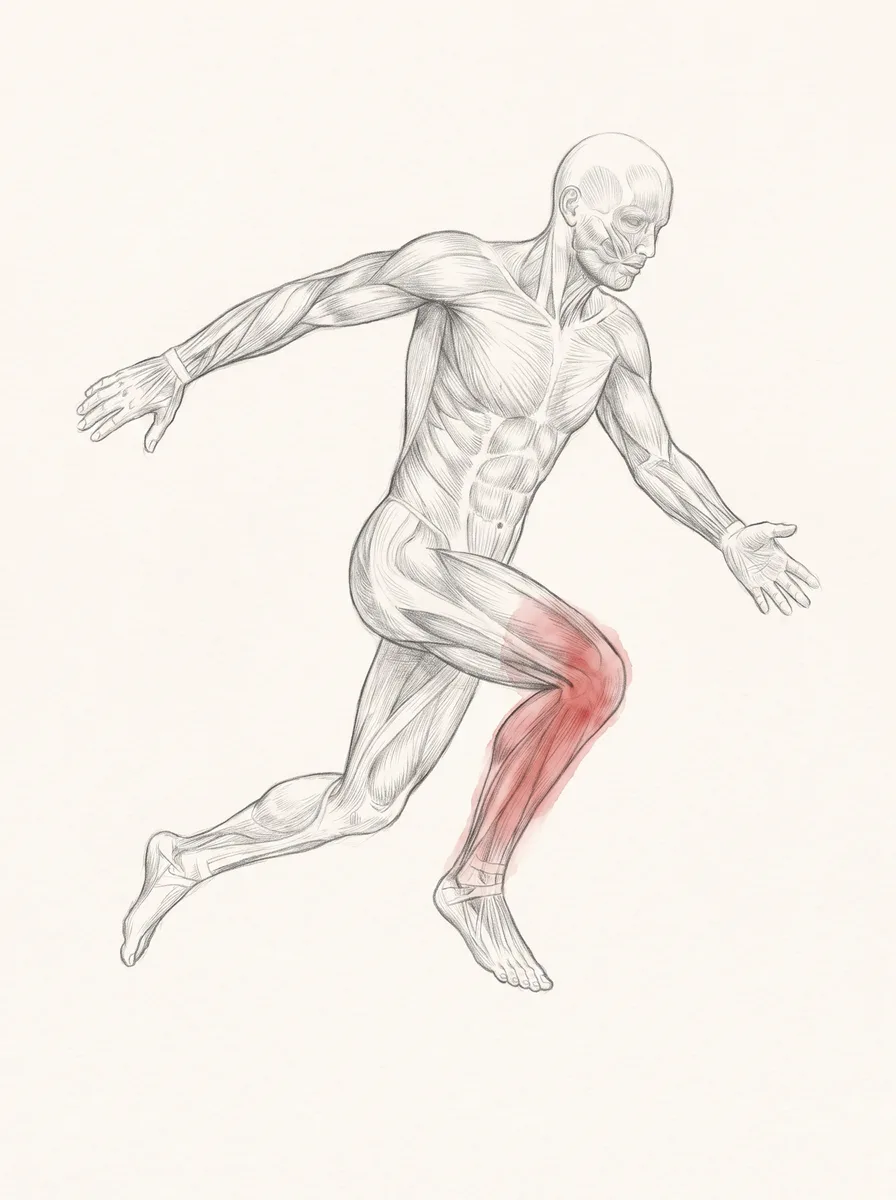
Knee alignment at contact.
Does notSay if the knee is injured.
Deceleration against their own record.
Does notMeasure stress in the tissue.
Trunk angle through the movement.
Does notExplain why it leans.
Left against right, on their baseline.
Does notName the side at fault.
And Not scored when the footage cannot carry it

 Player · Squad
Clubs, academies and federations. Film training on a phone; the coach gets an advisory finding per player.

 Patient · Caseload
Physio, orthopedic recovery and sports-medicine clinics. Return-to-movement against each patient's own baseline. Advisory, never a diagnosis.

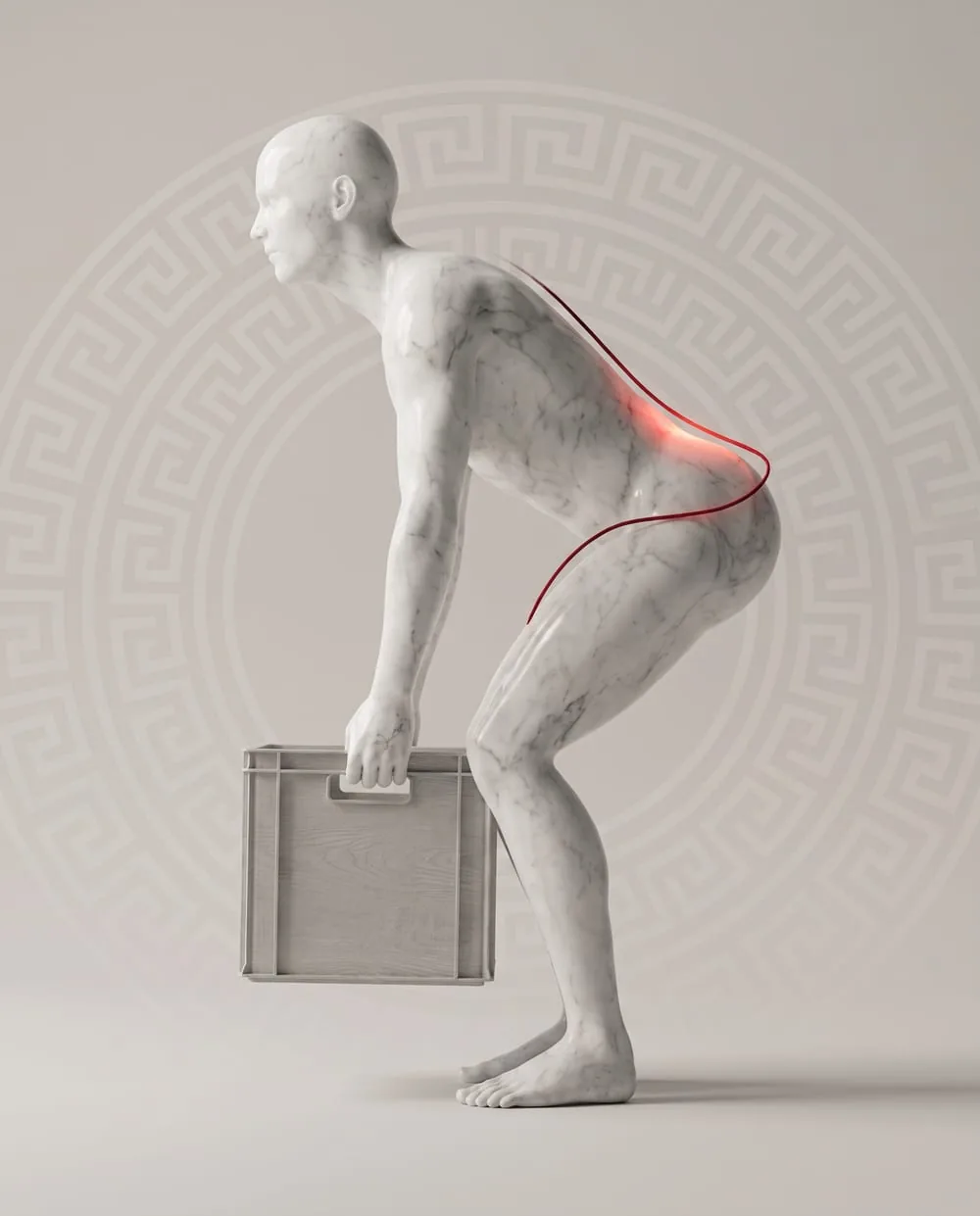 Worker · CohortNot available yet
Occupational health and safety teams. Strain and hazardous patterns, reported for the cohort, never as individual surveillance.
Expiring, read-only links. Nobody you send one to needs an account.
Read-only. Expires on its own.
Printed on the session summary, scanned at the training ground.
Only the report you sent.
Expiring tokenised links · read-only · revocable
No. You upload a clip, confirm what it shows, and the analysis runs on its own. The report appears in the dashboard when it is finished.
Nothing is scored while the movement is happening, and nothing is pushed to a touchline. The value is in what the clip shows once the pipeline has had time to read it properly.
How a clip is analysed →

Upload the video you already film. The analysis runs after upload, and the advisory report is waiting in your dashboard when it finishes.